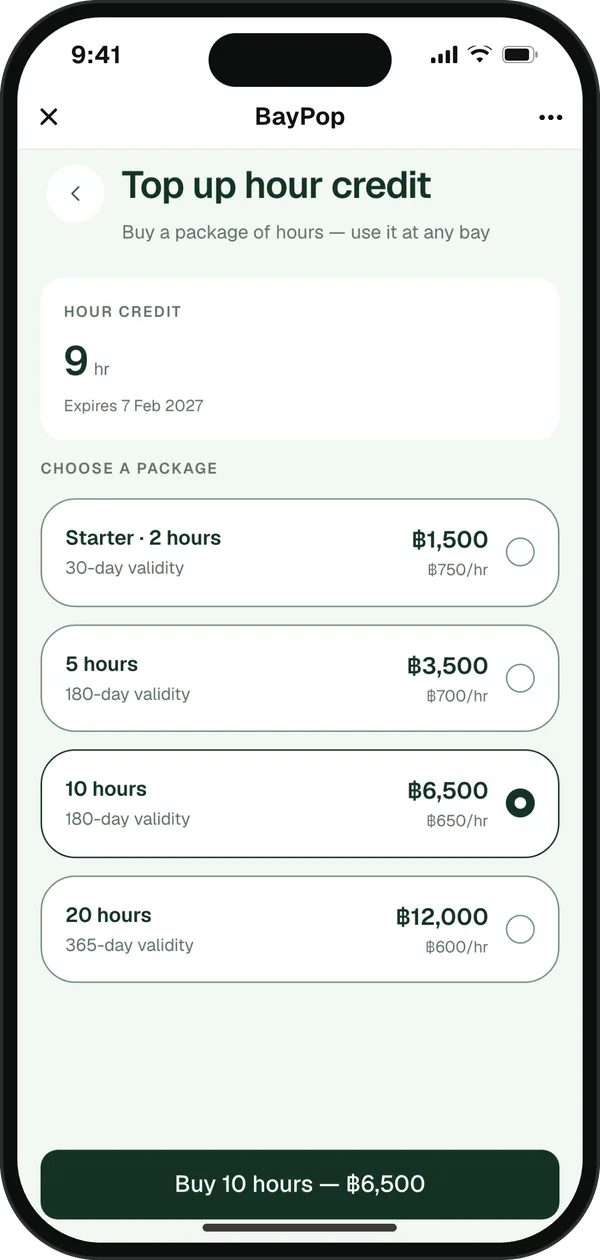
Hour packages
Sell hours up front. Customers book with credit and it comes off automatically.
 BayPop ·
Now live for golf sim shops
BayPop ·
Now live for golf sim shops
Customers book a bay, pay by PromptPay QR, get a ticket in LINE. No app, no slips, no double bookings.
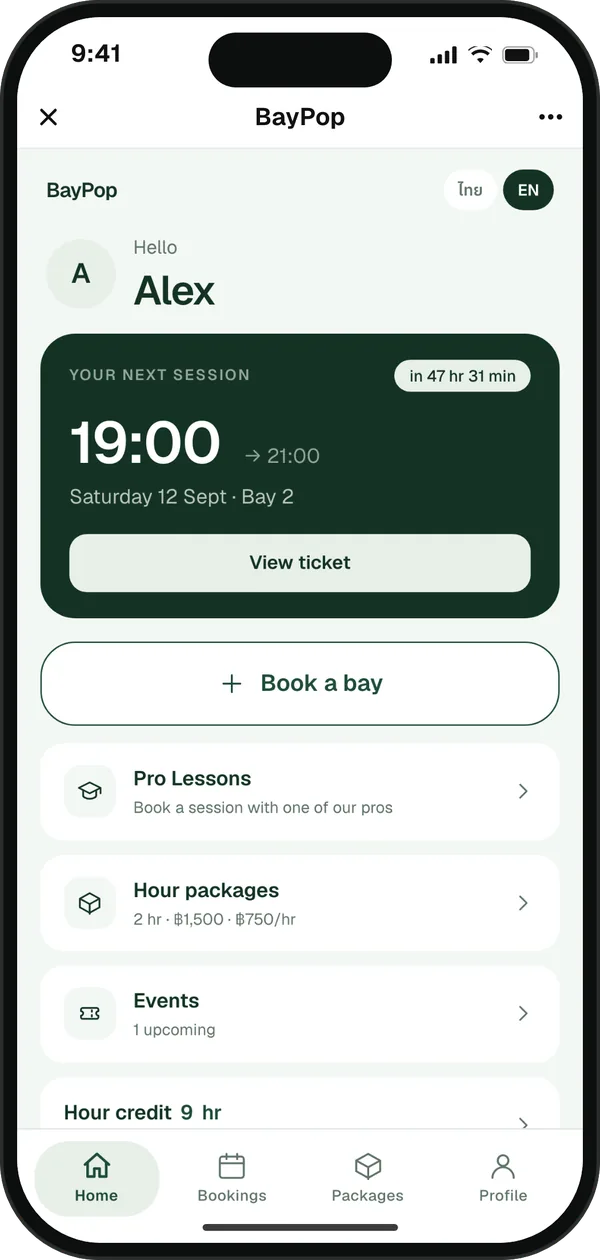
One app for bay bookings, hour packages, pro lessons and event tickets
Running at

How it works for your customers
Customers log in with LINE and consent once, then book any time.
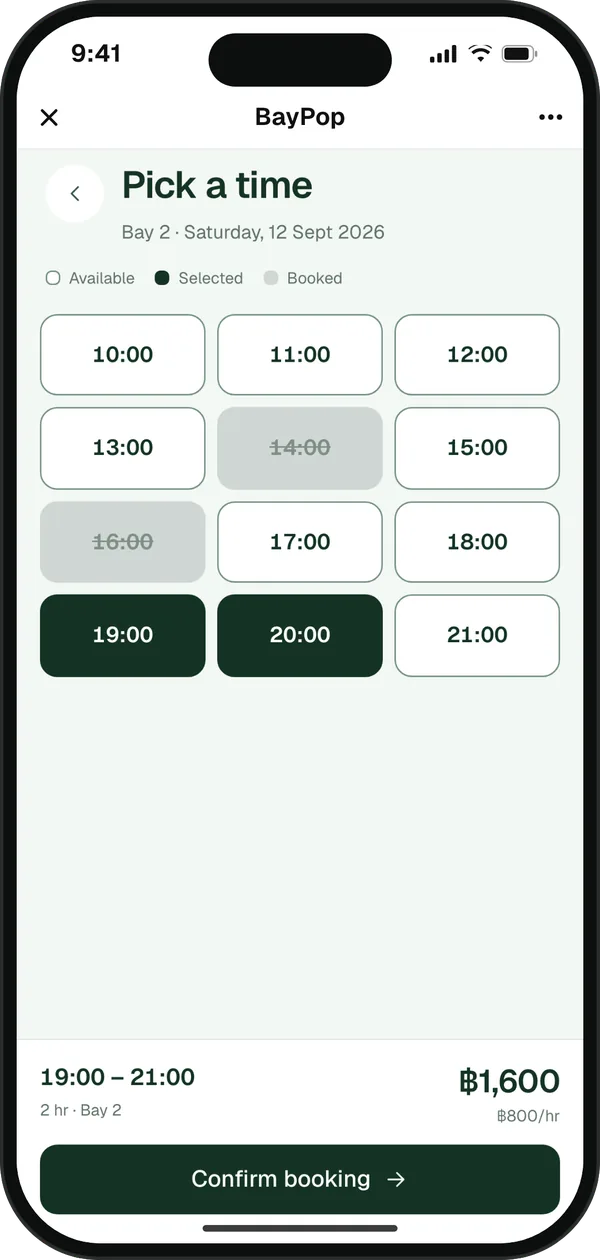
Free slots at a glance, up to 14 days ahead.
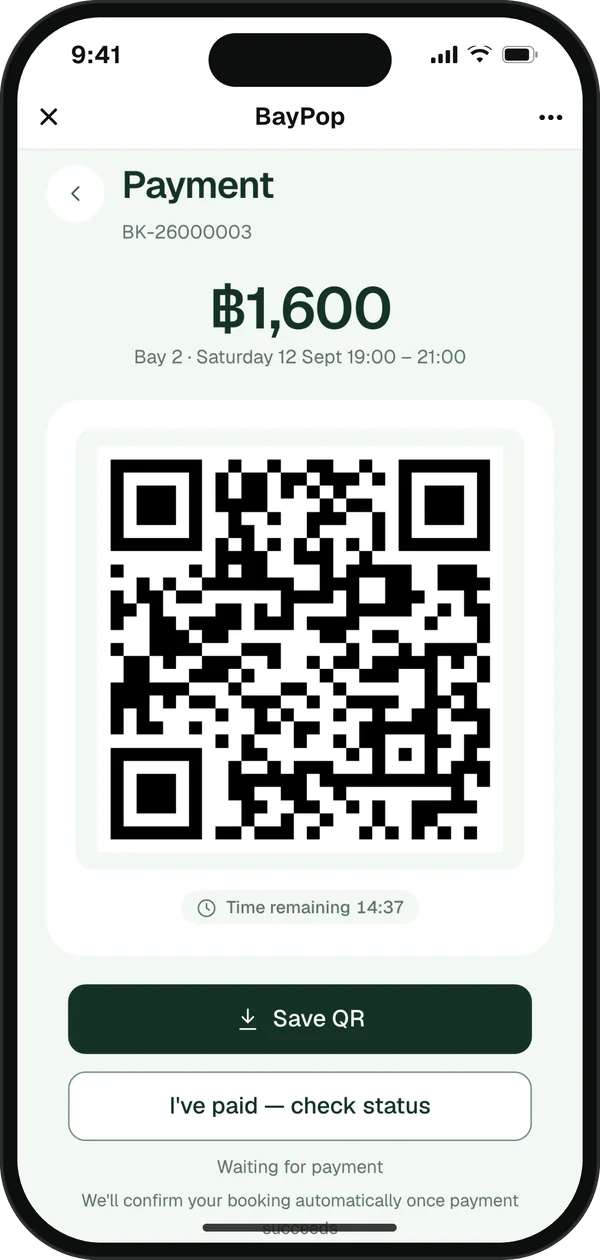
The booking confirms automatically, no slip needed. Unpaid bookings release the slot after 15 minutes.
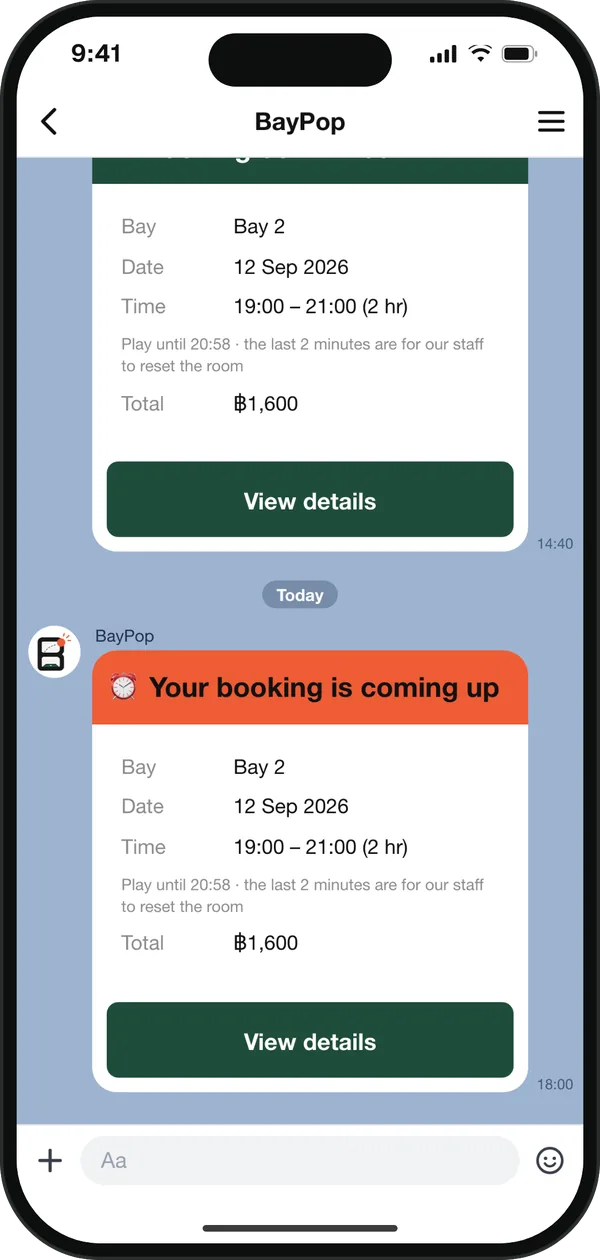
Plus a reminder before they play.
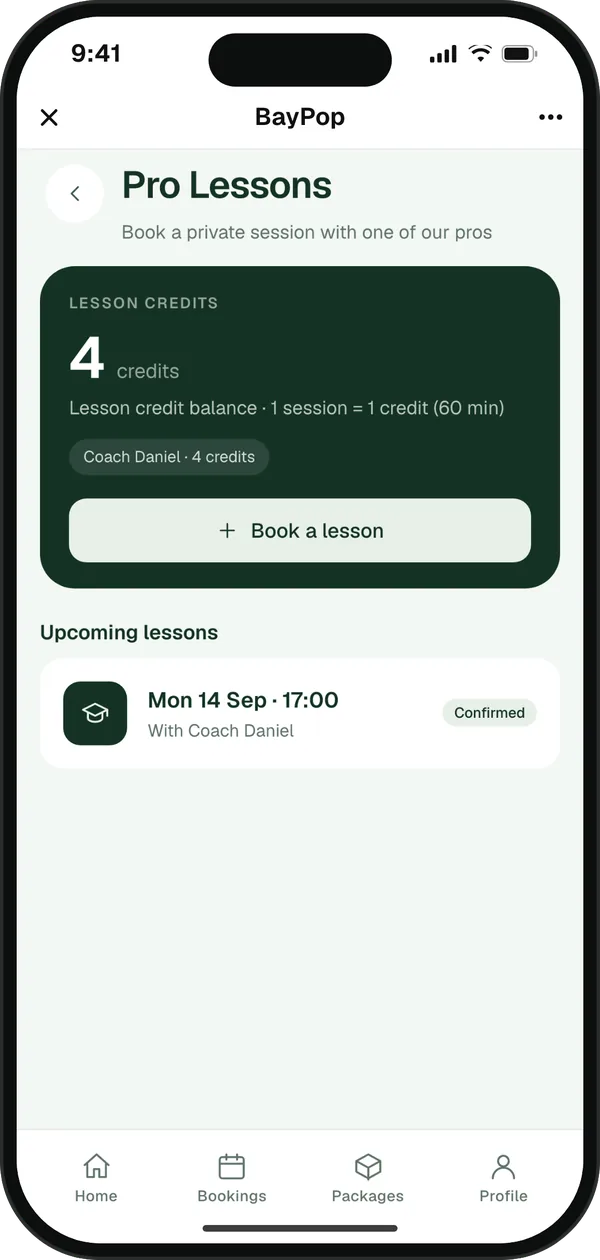
Packages, lessons and events live in the same app your customers already book with.
Sell hours up front. Customers book with credit and it comes off automatically.
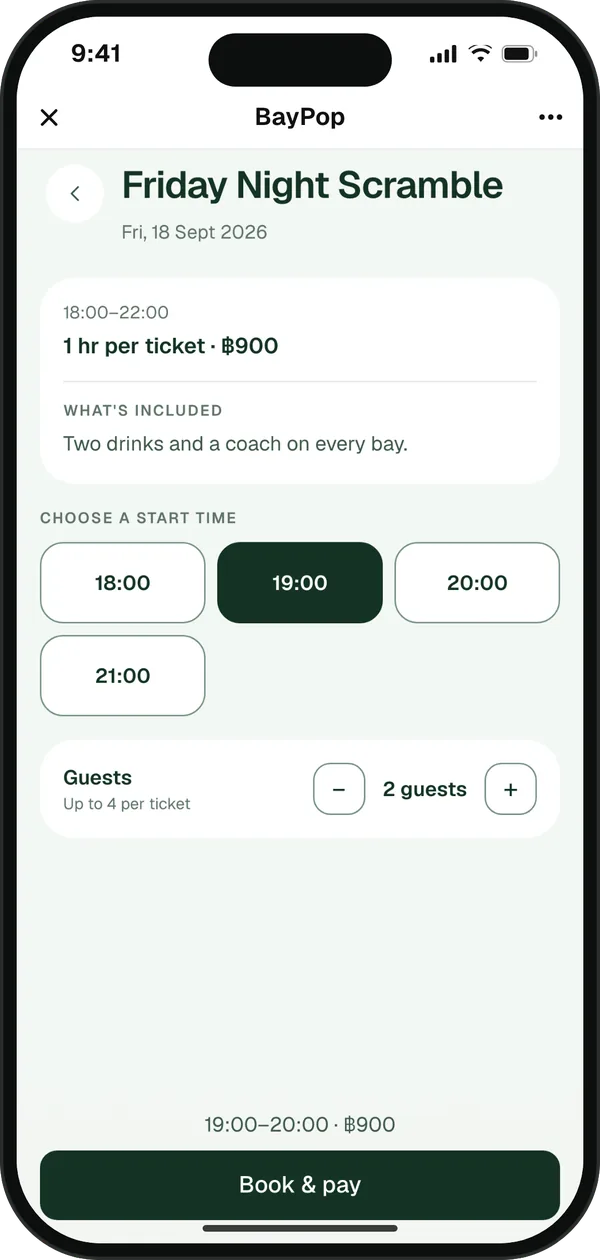
Sell tickets when you run an event.
Customers see lifetime hours played and points earned in their profile.
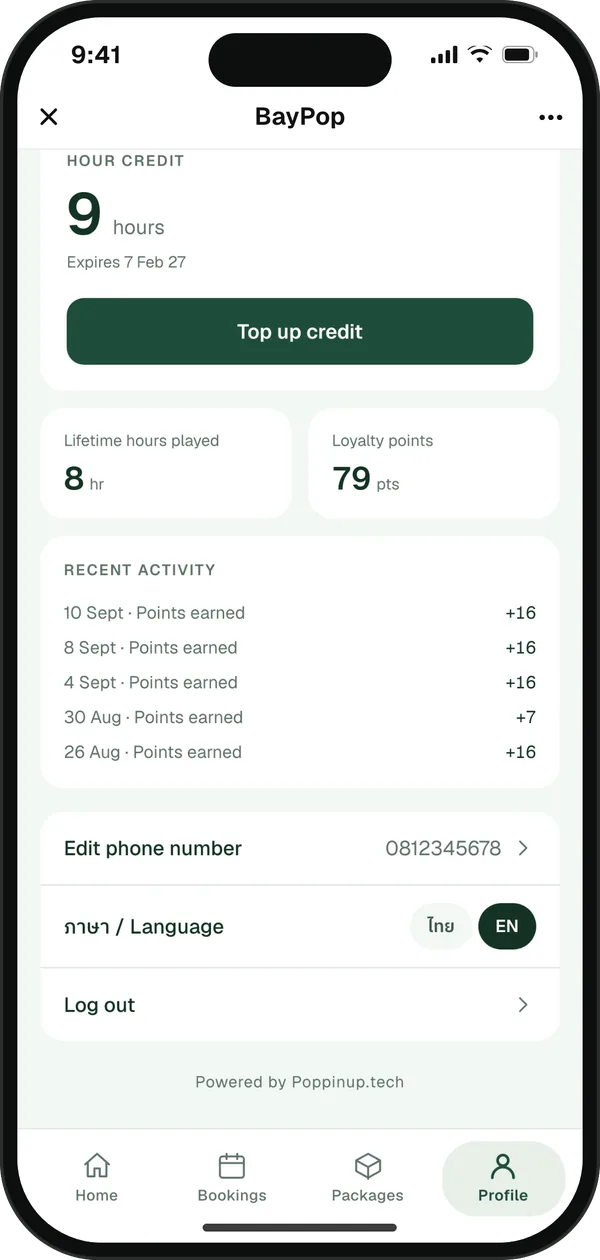
Sign up with just a LINE account. PDPA consent is built in.
Customers switch language in one tap.
Lessons, student notes and earnings, right in LINE. No app to download.
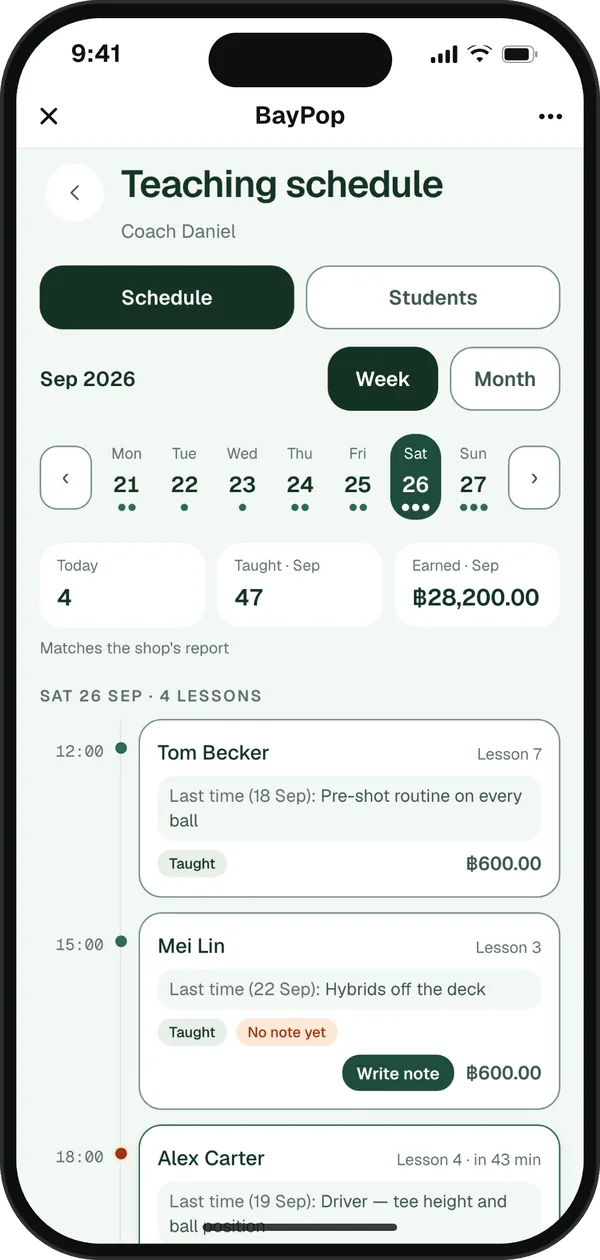
Week or month: who's next, which lesson and what it pays.
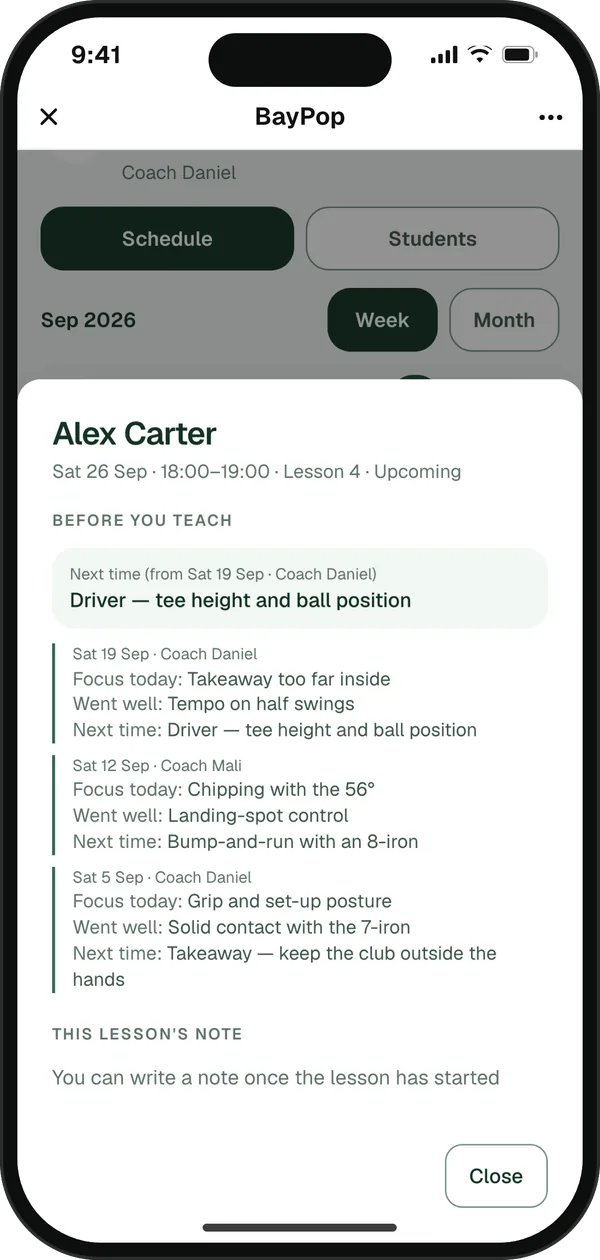
Last time's notes, from every pro who taught the student.
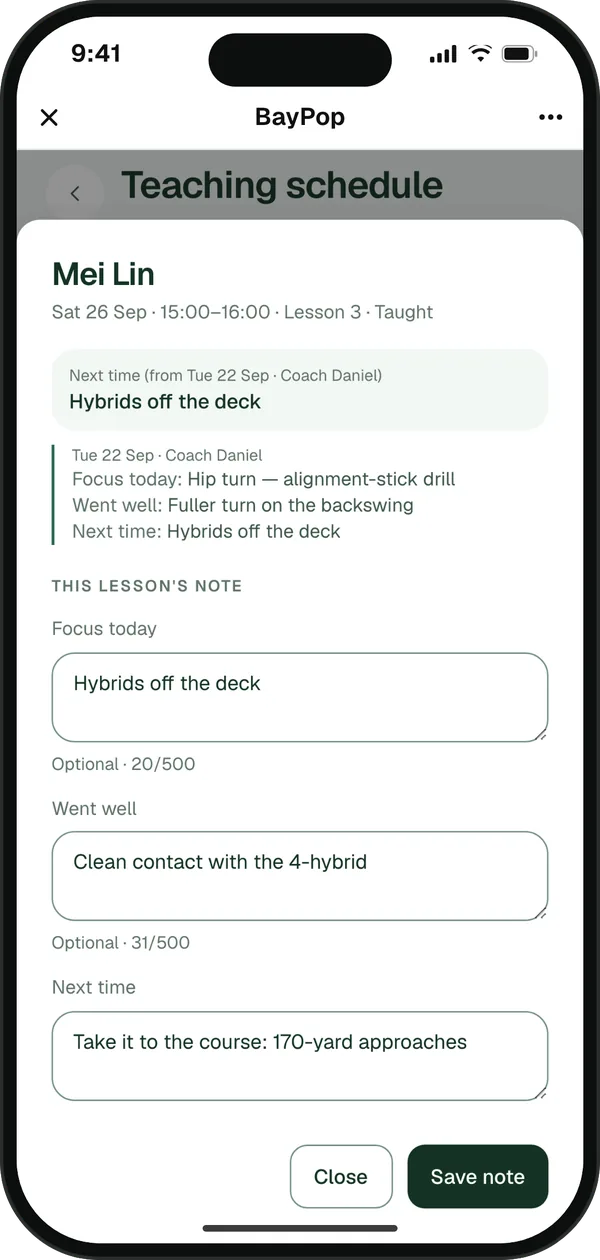
Focus today, went well, next time. Next time shows up on the student's next lesson.
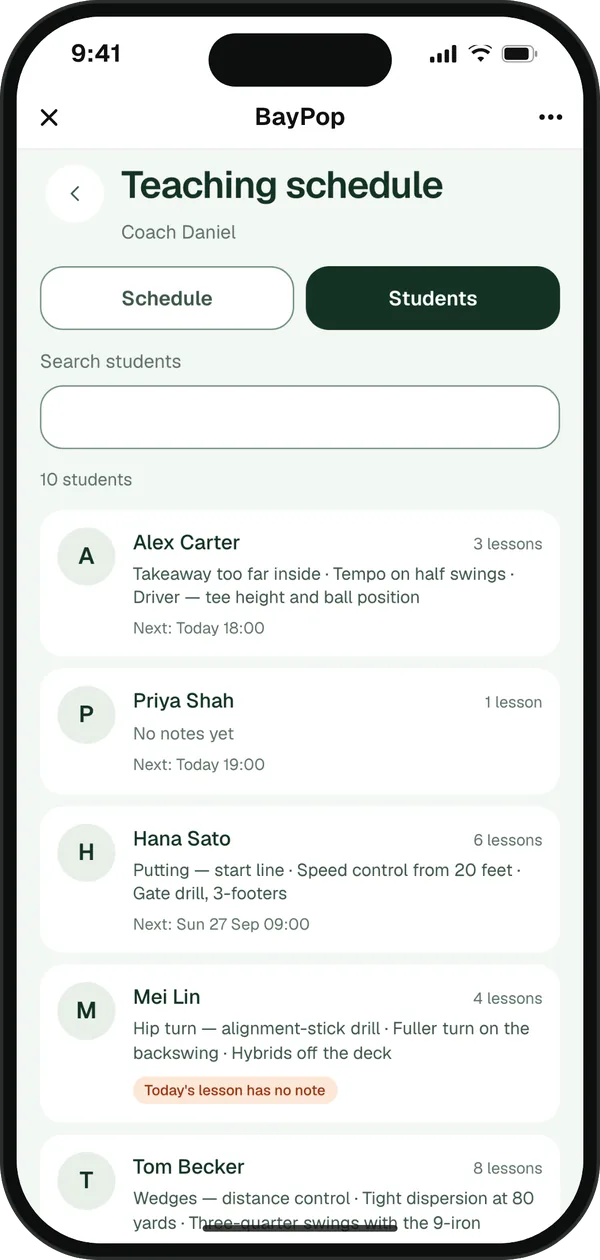
Every student's latest note, next lesson and full history.
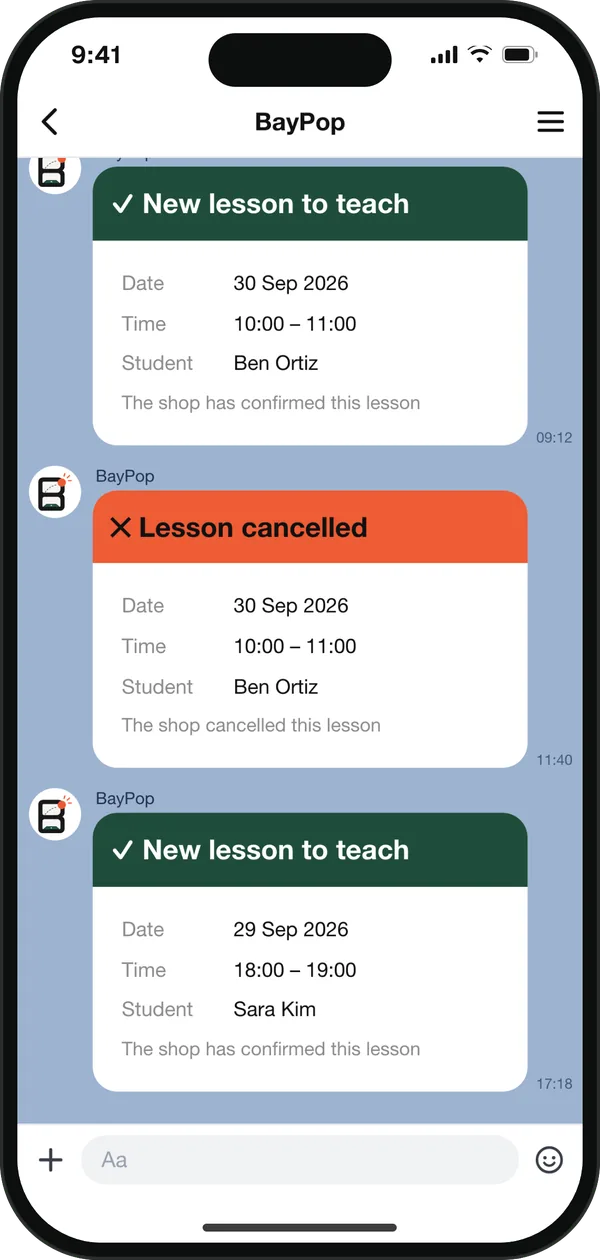
A message for every new lesson, and again if it's cancelled.
For owners: every pro's lessons on one calendar, and each pro's monthly commission worked out, with a payout statement ready to print.
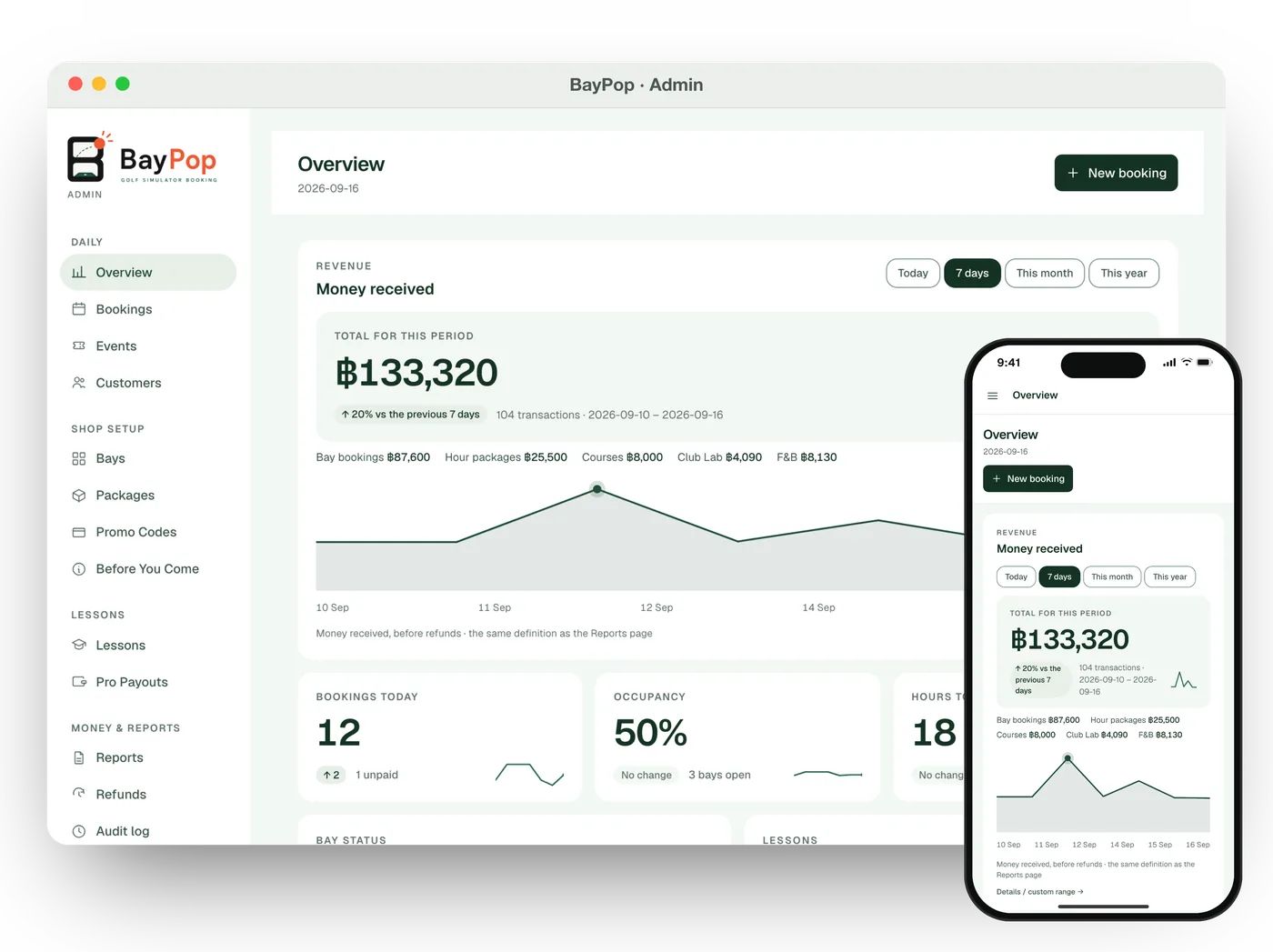
Today's bookings, occupancy and money in, at the counter or on your phone.
The studio behind BayPop
BayPop is what we built for sim shops. For everything else, we design and build around how your business actually works.
Dashboards, internal tools, and customer portals built to be fast, reliable, and genuinely useful every day.
Booking, ordering, and loyalty experiences that live where your customers already are.
Agents that do real work, not just chat. Grounded in your data and connected to the tools they need.
Counter-ready POS and payment integrations for cards, PromptPay, and e-wallets, synced to your back office.
When off-the-shelf does not fit, we design, build, and connect a system specifically around how your business operates.
Understand the problem, your users, and what success actually means.
Agree on scope, timeline, and a clickable prototype before production.
Ship in small increments with weekly demos and clear decisions.
Monitor, fix, improve, and keep everything running smoothly.
Send a quick note about what you are working on. We reply within one working day.